
Turn your inspiration into video right now

ChatStoryStudio - Fake Text & Texting Story Videos
Fully Editable, Your Way
Dedicated Design. Built for Viral Chat Videos.
Dedicated Design. Built for Viral Chat Videos.
Fake Text Story & Chat Video Topic Examples & Genre Presets
- Someone accidentally adds Julius Caesar to the senators' Ides of March group chat
- You text your boss "miss you babe" by mistake and desperately try to play it cool
- Your smart home locks the front door and texts: "We need to talk about your life choices"
- You text your roommate you're already in bed. They reply: "Then who's on the couch?"
- You text your late dad's old number on his birthday, and someone finally texts back
- A notification texts: "Thank you for dying. Please rate your afterlife experience from 1 to 5"
- Your smart fridge texts you at 3 a.m. asking if you really deserve that slice of cake
- An unknown number texts: "The simulation resets in 10 minutes. Please don't forget me again"
- Dark Humor: Biting dark humor that makes viewers chuckle through satire and surrealism
- Emotional: A heartwarming, emotional drama bringing tears to the eyes through deep character bonds and feelings
- Instant Karma: A thrilling, satisfying drama delivering exhilarating comeuppance
- Horror: Spine-chilling, terrifying horror
- Couple Drama: A charming lovers' quarrel that brings a smile with endearing banter
- Banter Comedy: A hilarious comedy sketch driven by brisk banter and dynamic conversational rhythm
- Romance: A bittersweet romance that tugs at the heartstrings through shifting emotional distance and chemistry
- Dramatic Confrontation: A high-tension confrontation where hidden lies and betrayals unravel with intense suspense
Made with ChatStoryStudio
No editing skills required. Created purely with intuitive controls—freely combining dialogue, AI voices, backgrounds, and visual effects.
Feature Overview
An introduction to key ChatStoryStudio features showcasing various visual effects
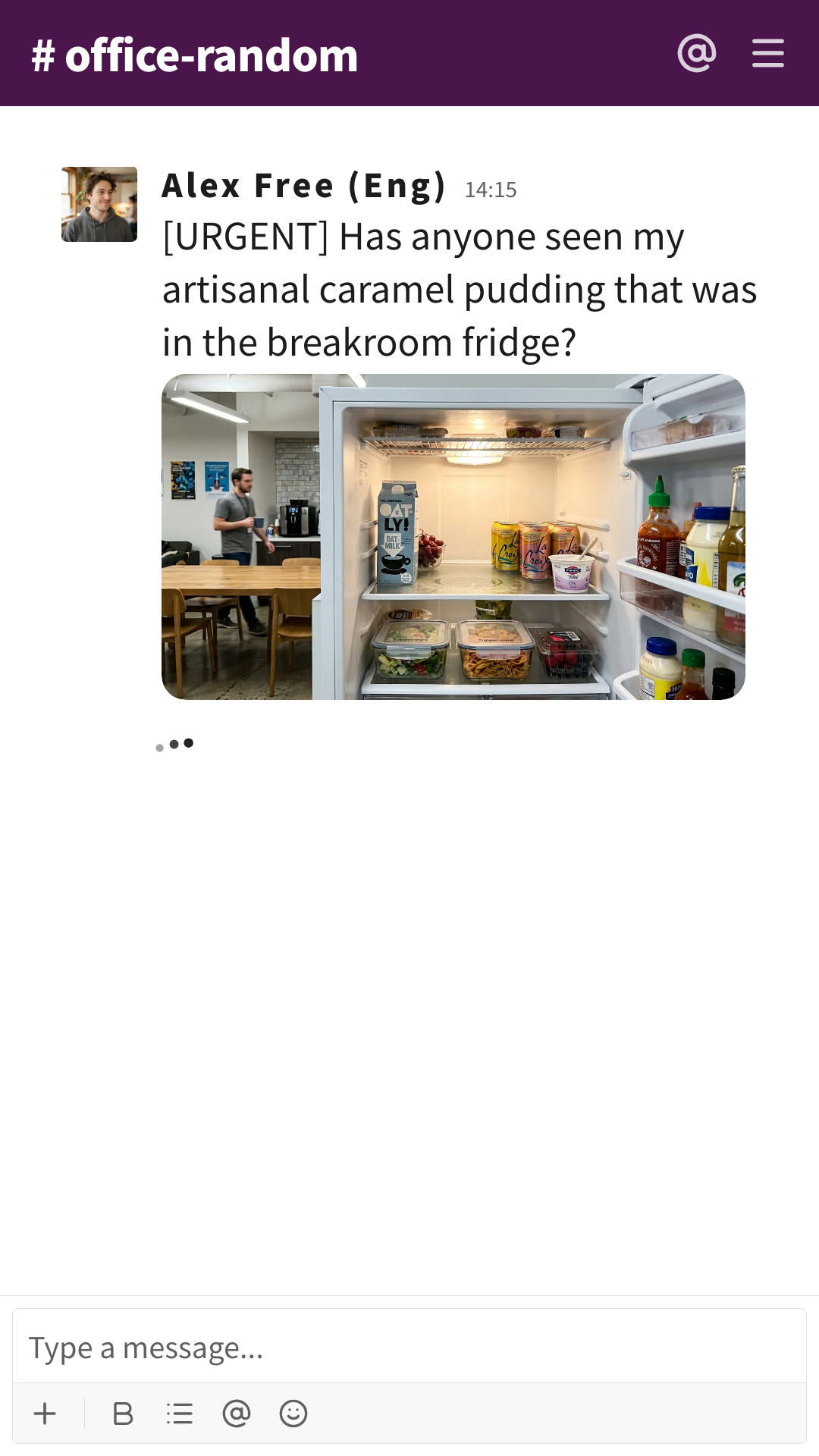
The Stolen Pudding Incident
A lighthearted office comedy staged in a Slack-style workspace
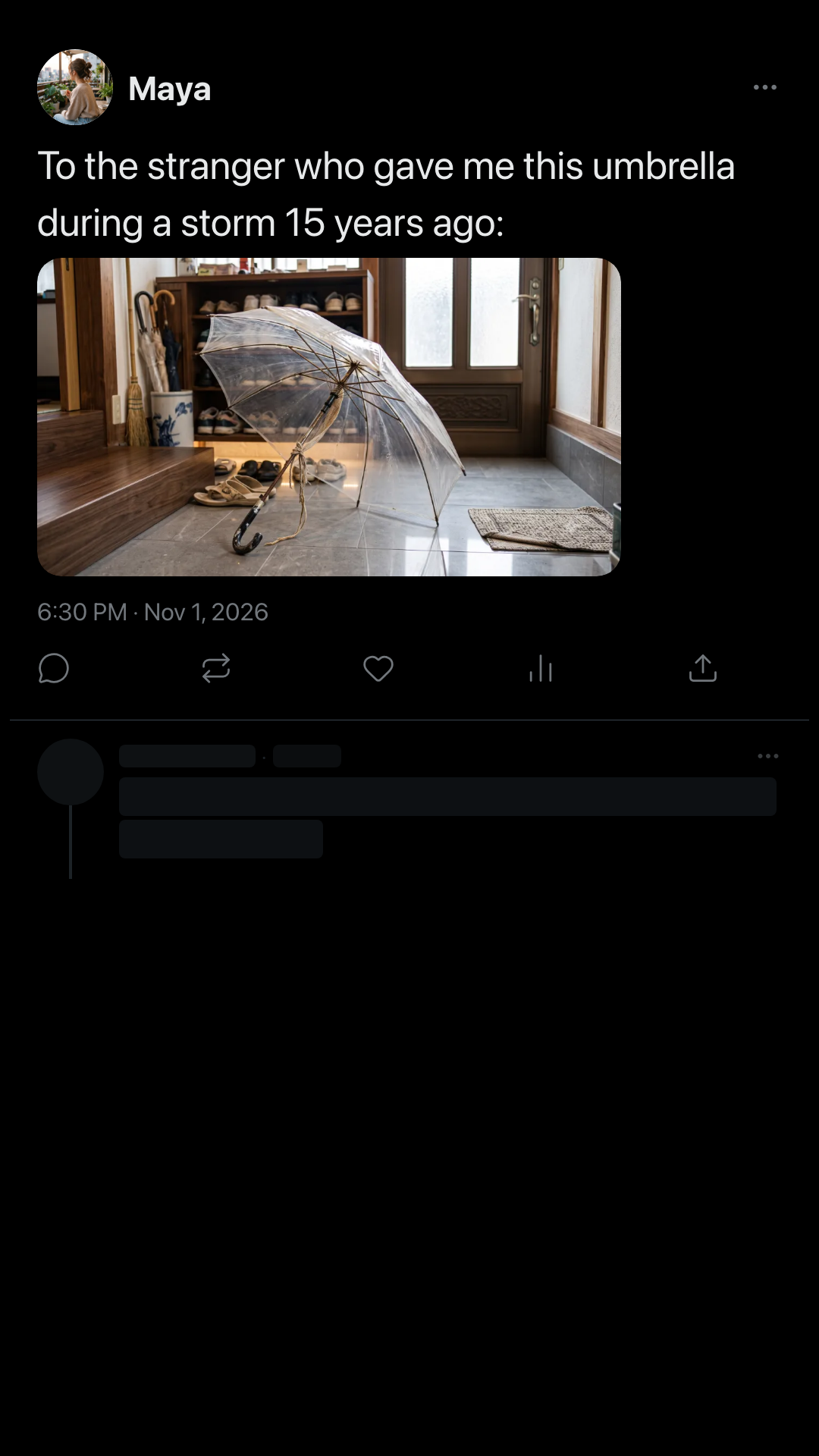
The 15-Year-Old Clear Umbrella
A heartwarming human drama styled like an X thread
100% unedited videos exported directly from AI prompts. You can always jump in to fine-tune dialogue, pacing, and effects anytime.
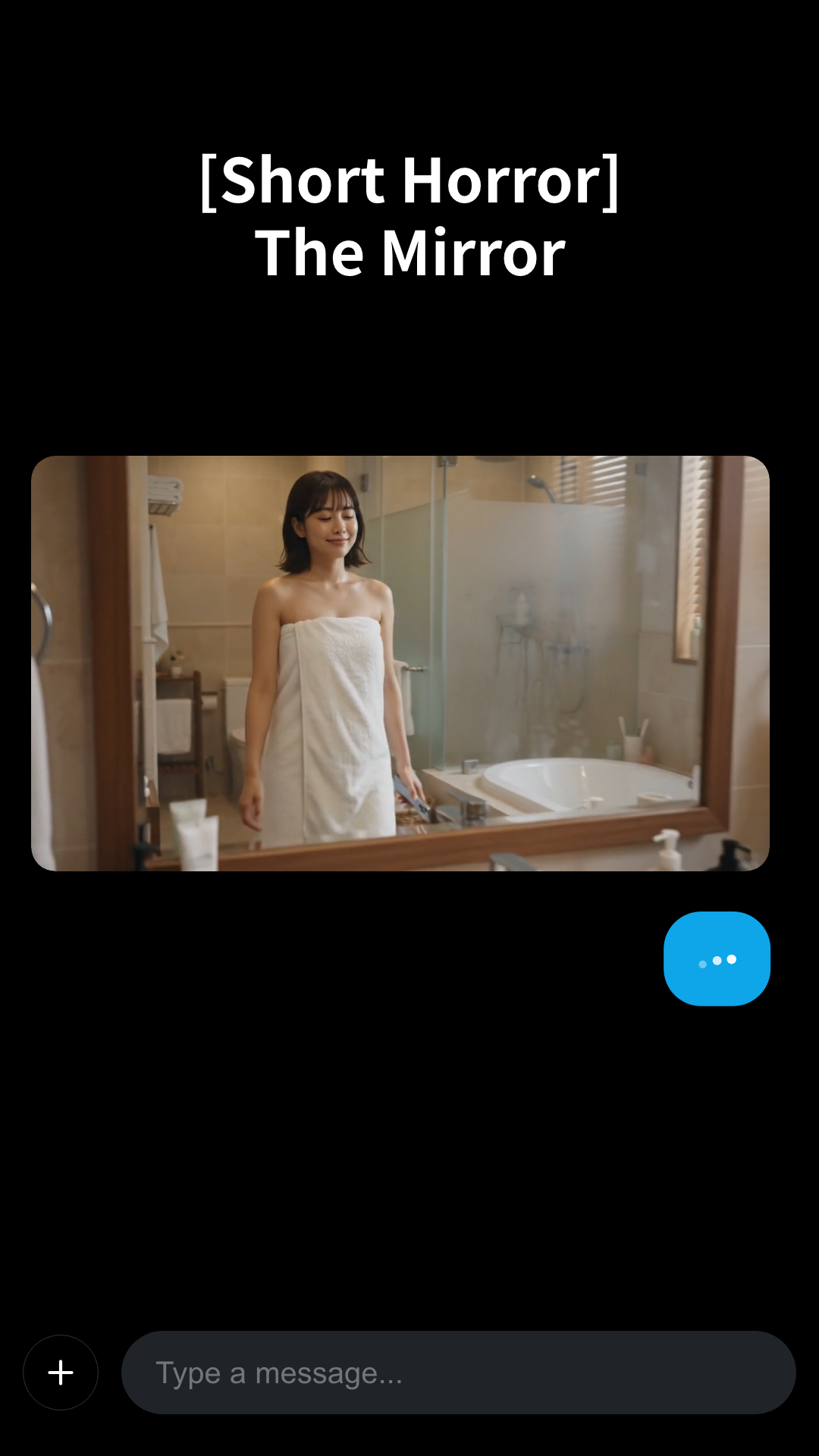
Beyond the Mirror
Topic:“A spine-chilling psychological horror story with a lingering sense of dread”
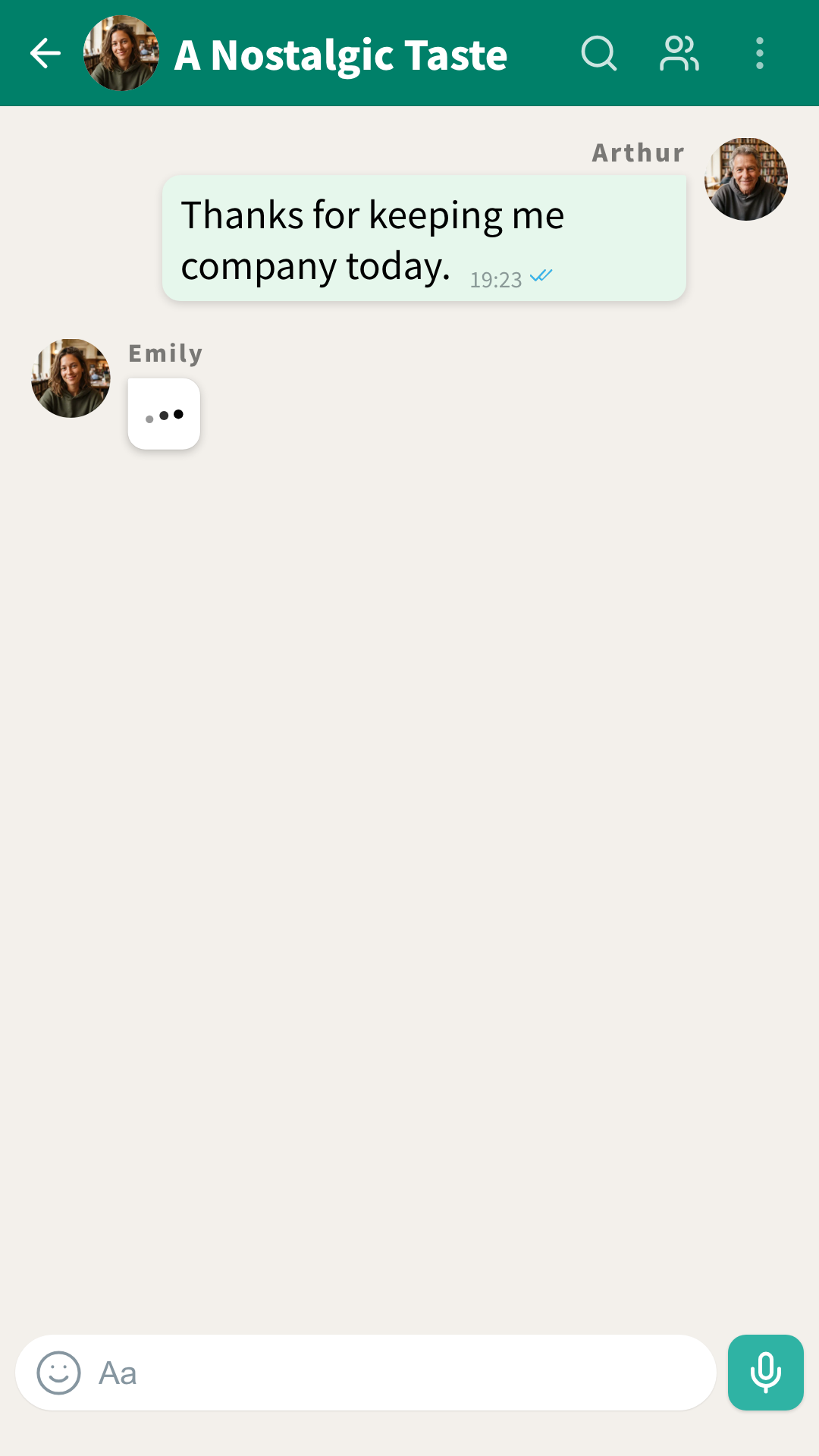
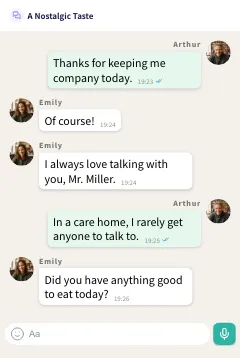
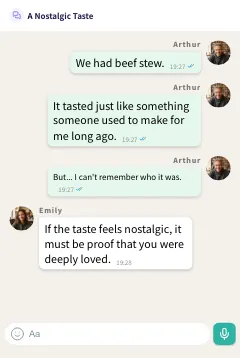
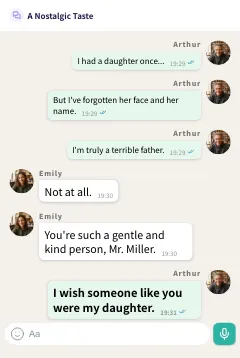
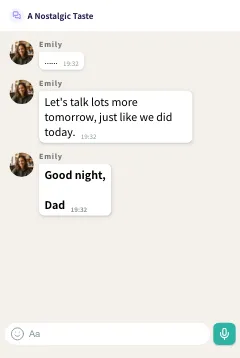
A Nostalgic Taste
Topic:“A heartwarming, moving drama of deep bonds and fond memories that brings tears to your eyes”
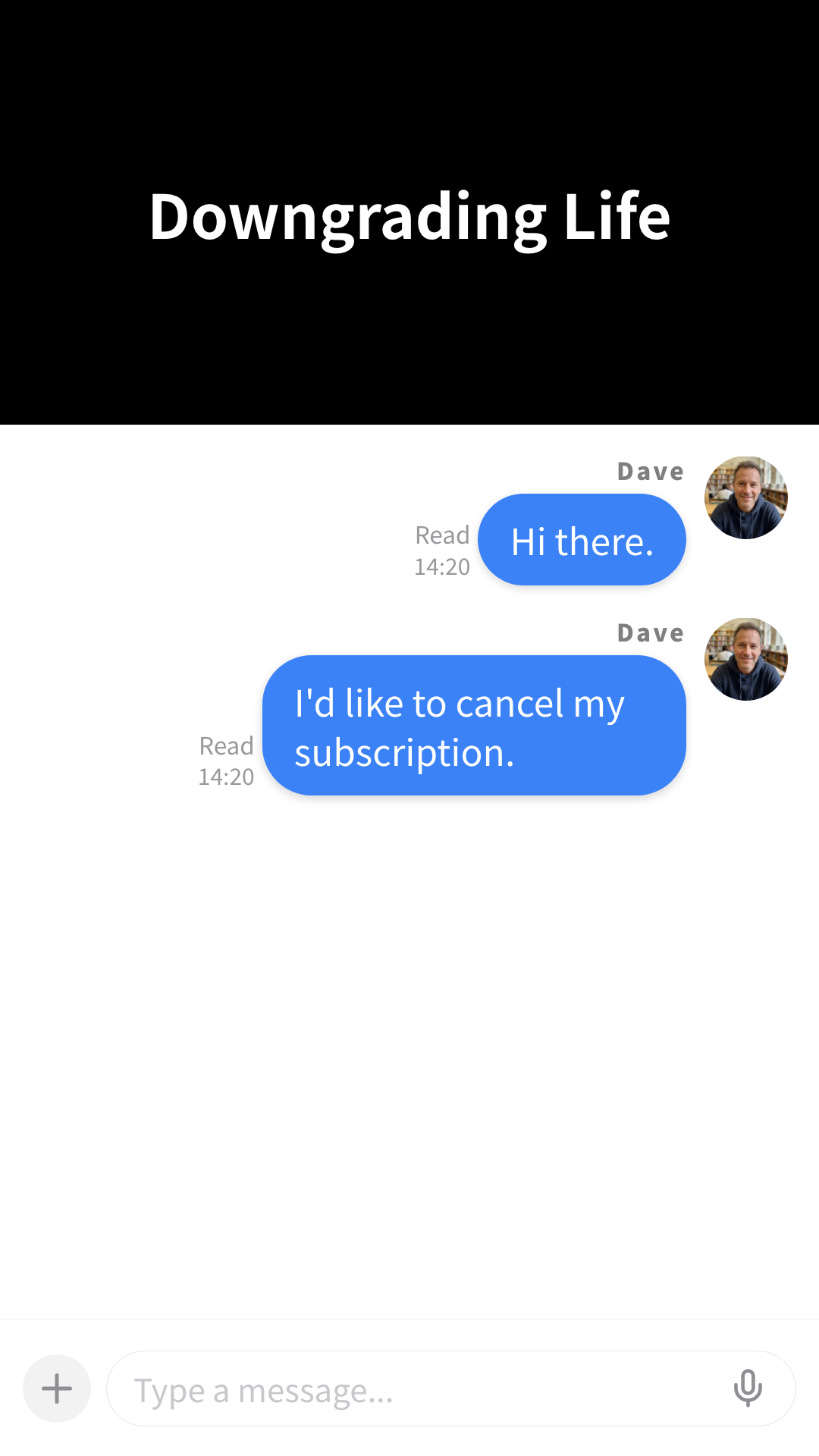
Downgrading Life
Topic:“Witty dark humor with sharp satire and a surreal touch to bring a wry smile”
Delivering unmatched quality and efficiency:6 Core Features
Create Everything from Script to Effects with Just a Topic
AI Generation from Topics & Bulk Script Text Import
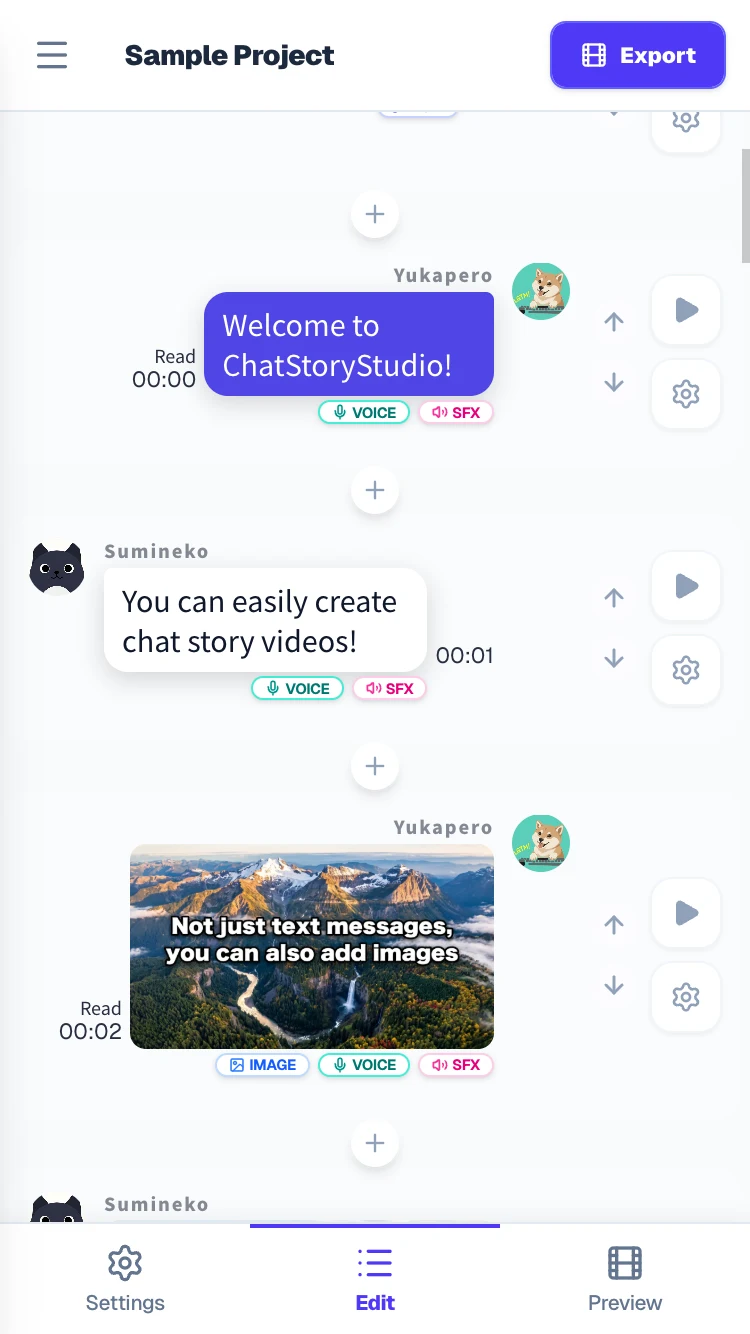
Simply enter any topic to generate a complete project in one click—including story writing, automatic visual effects, background music, and synthesized voiceovers. Polish the generated video with intuitive editing tools to elevate it into a masterpiece. Also supports importing custom script text in any format, instantly turning your ideas into video.
From iMessage & WhatsApp to 𝕏, Discord, and AI Chats—Diverse UI Layouts Expanding Your Creative Range
Diverse Theme Selection × Multi-UI Layouts
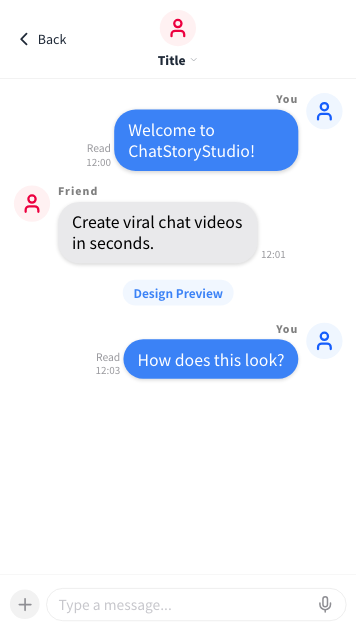
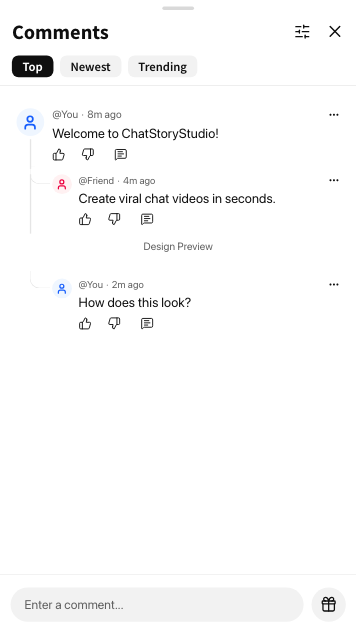
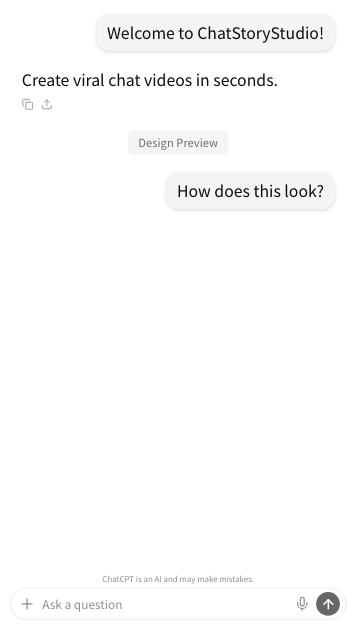
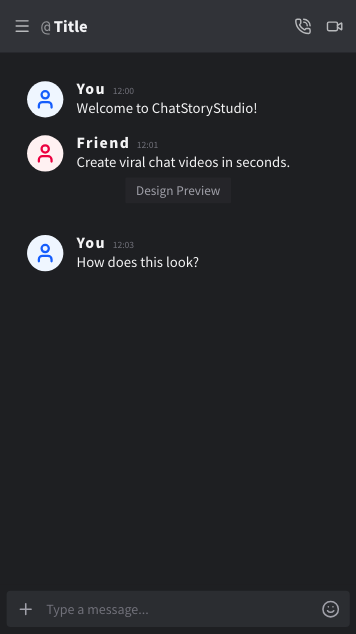
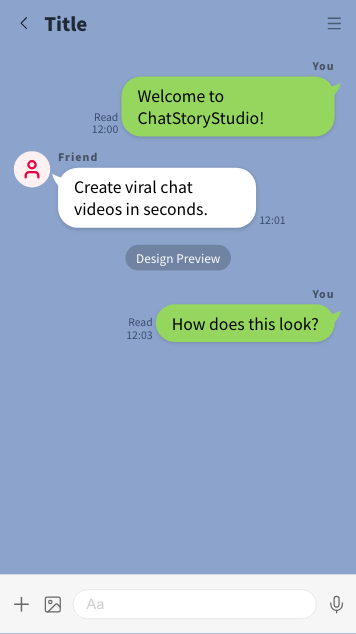
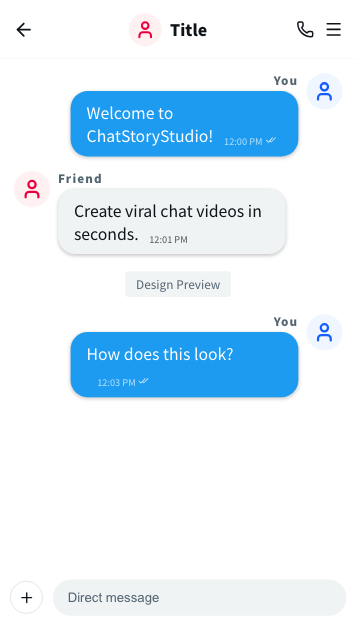
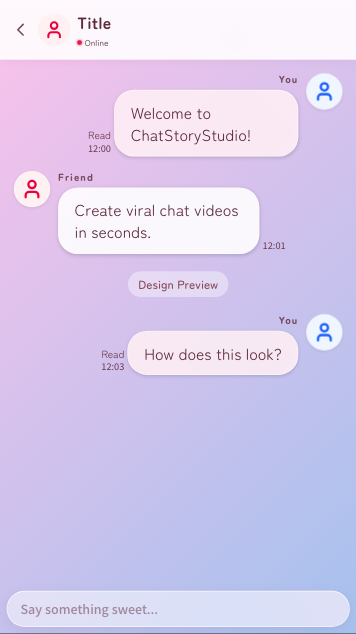
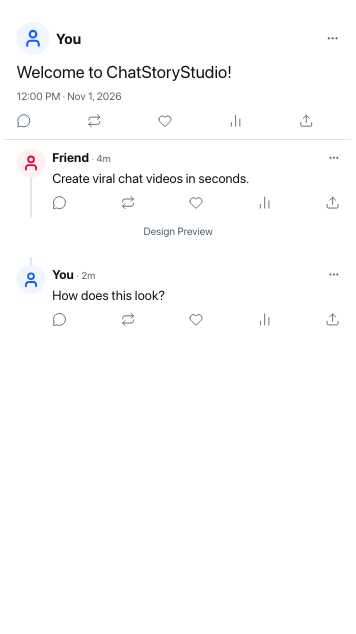
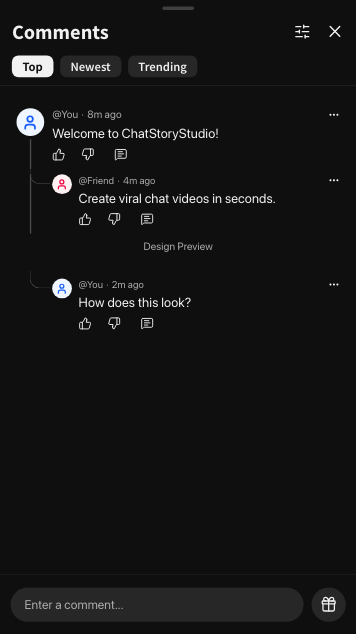
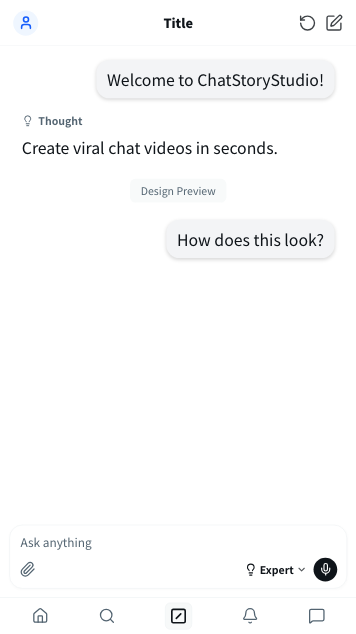
Extensively covers iMessage-style, WhatsApp-style, 𝕏 (formerly Twitter)-style, YouTube comment-style, Discord, Slack, ChatGPT, and LINE-style interfaces. From familiar messaging app styles to trending social threads, AI chats, and our own original designs, bring your video concept to life instantly with the perfect visual setting.
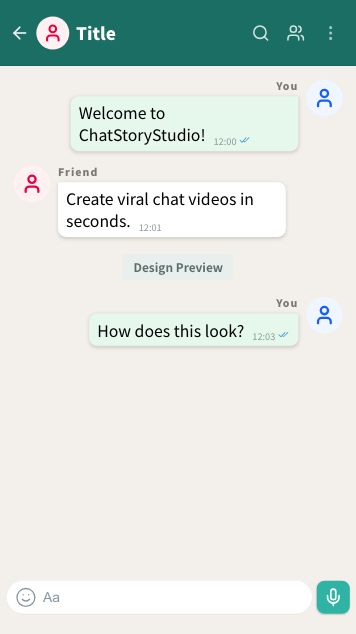
- iMessage Style
- WhatsApp Style
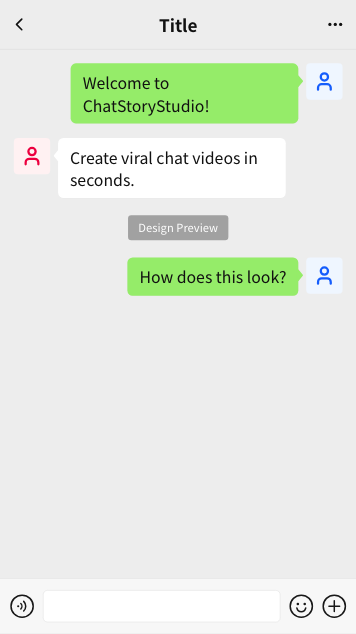
- LINE Style
- X Post (Light) Style
- X Post (Dark) Style
- Discord Style
- Slack Style
- AI Chat Style
- ChatGPT Style
- ChatStoryStudio
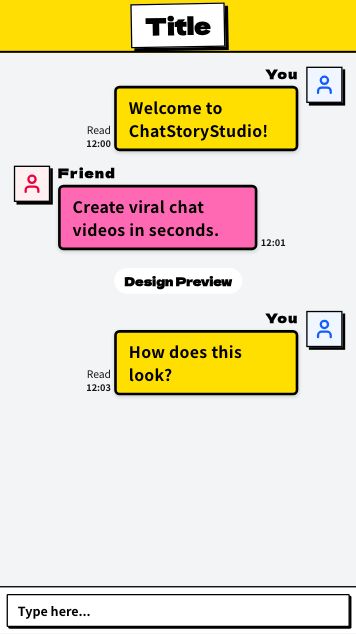
- Neo-Brutalism
- Japanese Traditional
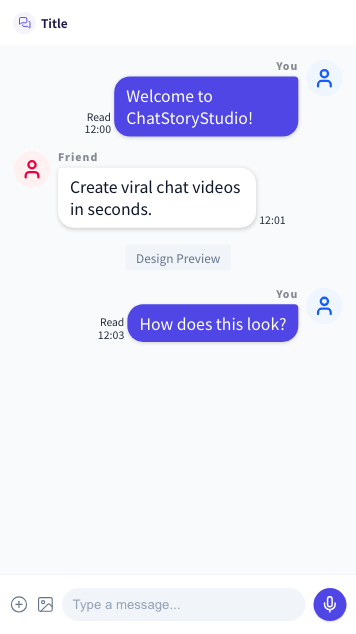
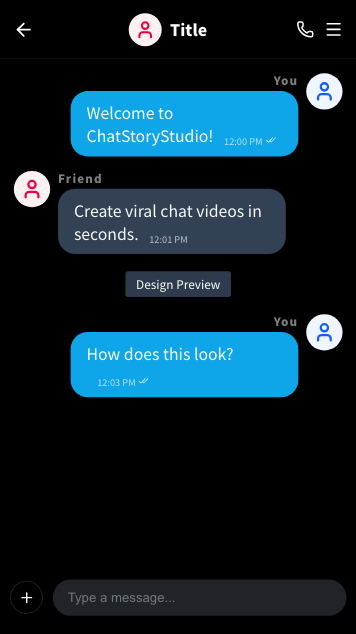
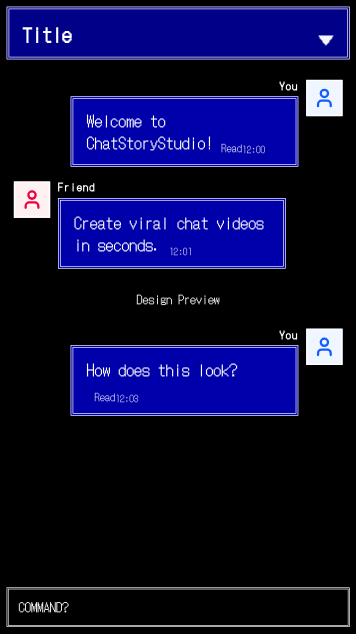
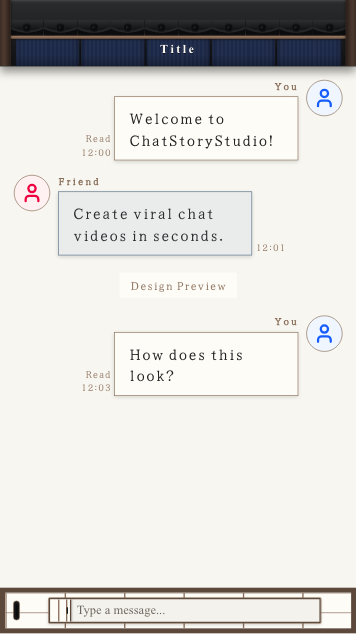
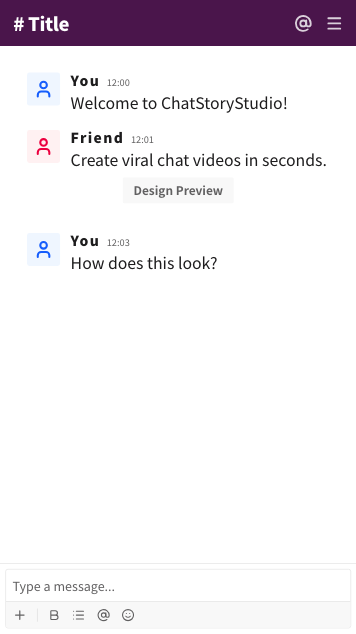
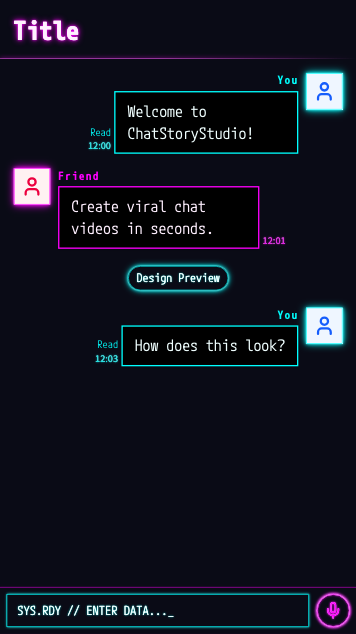
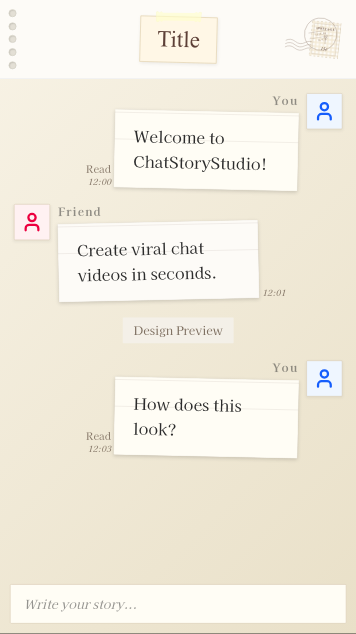
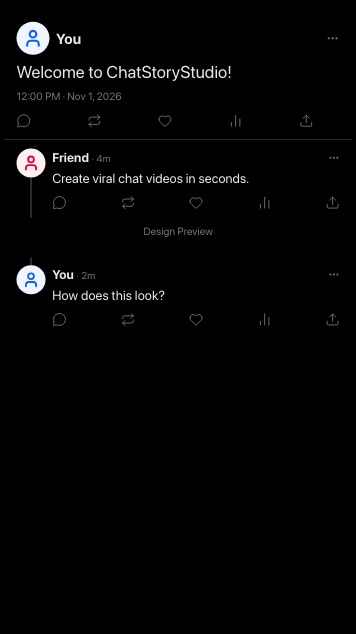
Supported design presets: Soft Blue (iMessage Style), Teal Bubble (WhatsApp Style), Smart Green (LINE Style), Jade Green (WeChat Style), Romance Glass, Vintage Scrapbook, Social Thread Light/Dark (X / Twitter Style), Dynamic Minimal Dark/Light (X DM Style), Video Comments Light/Dark (YouTube Comments Style), AI Minimal (ChatGPT Style), AI Insight Light/Dark (Grok Style), ChatStoryStudio (AI), Modern Dark (Discord Style), Corporate Pro (Slack Style), ChatStoryStudio, Neo-Brutalism, Cyberpunk Neon, Retro RPG (8-bit Pixel Style), and Japanese Traditional.
Transform the Vibe & Aesthetic in One Tap—Customize Colors & Speech Bubbles Freely
Rich Design Themes + Fine Visual Adjustments
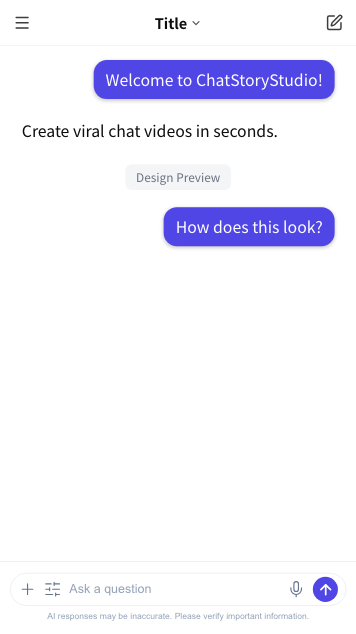
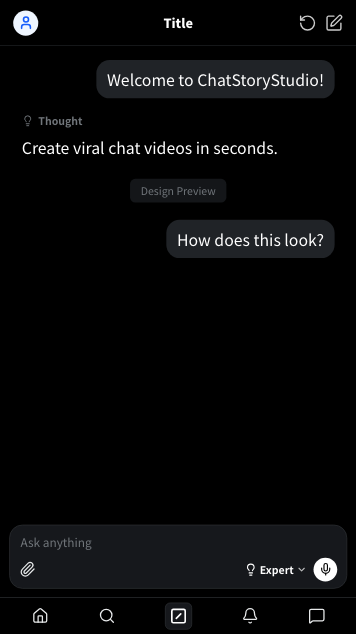
Seamlessly switch across rich themes including Retro RPG, Cyberpunk, Neo-Brutalism, and Sci-Fi. Adjust background colors, speech bubble shapes, and header styling with complete freedom, intuitively designing and saving unique chat styles that stand out.
Expressive Voices Bringing Character Dialogue to Life
Automated Voice Synthesis & Emotional Nuances
Choose from 120+ distinct voice profiles across 4 languages (including 30+ English voices) tailored to each character. Direct acting nuances in natural language and customize phonetic readings separately from display text, ensuring natural, error-free voiceovers even for slang and complex terms.
“Hey there! Ready to get started? Hope you’re having an awesome day!”
“Warm, relaxed, and friendly everyday conversational tone.”
“How could you do this to me...?! After everything we’ve been through... I trusted you with my life!”
“Raw heartbreak and explosive anger, voice trembling with betrayal.”
“Oh my gosh, we actually did it! I can’t believe it—all our hard work finally paid off!”
“Cheerful excitement and pure joy, beaming with a bright smile.”
“At precisely midnight, the final message arrived—leaving the entire room in complete, chilling silence.”
“Calm, authoritative, and immersive narrator or broadcast tone.”
Professional Visual Effects & Audio Staging to Elevate Your Work
Dynamic Effects & Backgrounds + BGM & Sound Effects
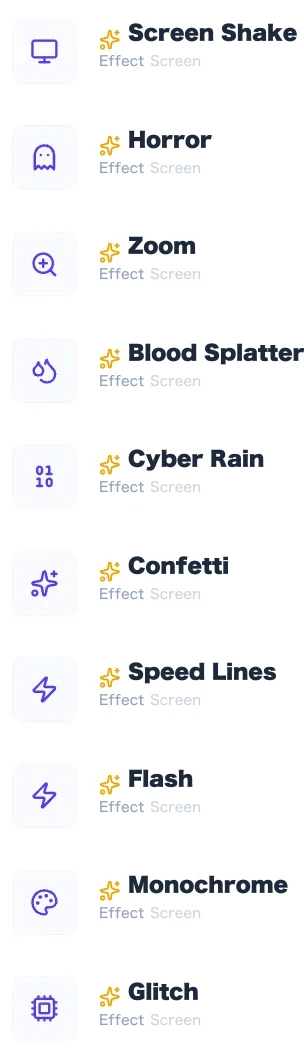
Alongside camera zooms, screen shakes, and particle effects, intuitively place dedicated chat staging like call events, custom story cards, polls, and read receipts. Combine them freely with scene transitions, BGM, and sound effects to keep viewers engaged.
Supported Visual Effects, Transitions, and Dedicated Chat Widgets
Screen Effects: Screen Shake, Zoom, Flash, Focus Lines, Glitch, Heartbeat, Spotlight, Vignette, etc. Background Particle Effects: Confetti, Cherry Blossoms, Rain, Snow, Fireflies, Hearts, Bubbles, Embers, Stars, Matrix, etc. Dedicated Chat Widgets: Call History (Voice/Video Call), Story Staging Card, Poll & Voting Card, Read Receipt & Timestamp, Quote Post, Mention & Hashtag Highlighting.
Completely Unlimited Exports—High-Quality Output for Both Videos & Images
No Credit Consumption × High-Res Video & Image Export
Enjoy unlimited video (vertical shorts & square in MP4 (H.264) or transparent-background WebM) and fake chat screenshot (single long image or 2–8 auto-split carousel slides in PNG/JPEG) exports even on the Free plan. Browser-based rendering starts immediately without server queues, letting you refine and export as many times as you like.
Video Export
Image Export
Everything You Need forDialogue & Chat Video Production
No Installation Required. Start Instantly Without Sign-Up.
No app downloads or tedious registrations. Open your browser and experience video creation right away. (*Login required for voice synthesis and select advanced features)
Intuitive Controls
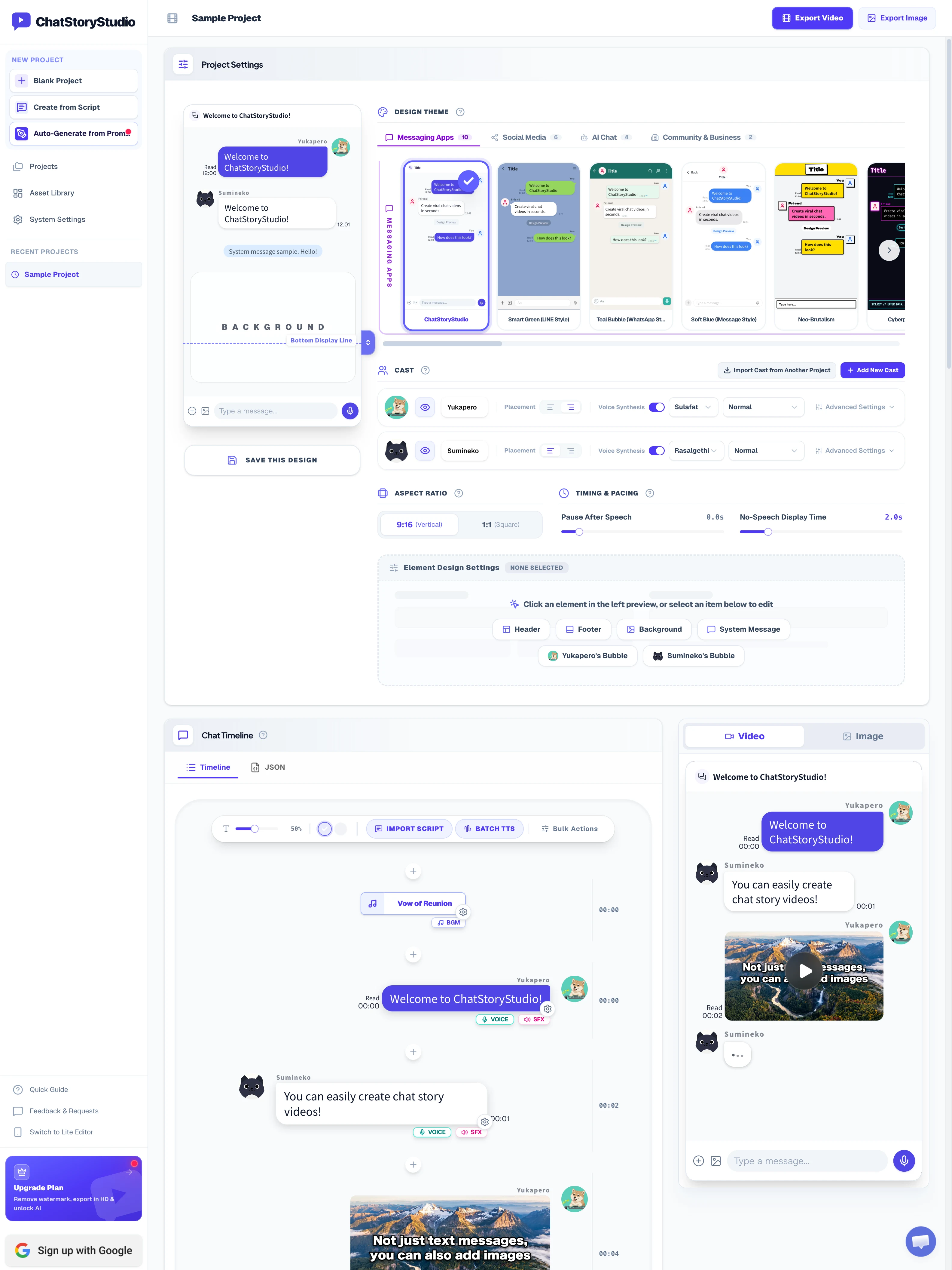
Add messages with a single click inside a familiar chat interface. Add dynamic staging, sound effects, and background music just as effortlessly.
Design Customization & Presets
Customize your look freely starting from diverse design presets. Save your unique designs as presets to apply and reuse in other projects in one click.
Natural, High-Quality Voice Synthesis
Generate high-quality synthesized voices in one click and direct acting nuances with natural prompts like "sadly" or "cheerfully," instilling distinct personalities into your characters.
Automatic Generation from Topics
Enter any topic to automatically generate a complete, editable project—from plot design to dialogue, voice synthesis, BGM, sound effects, and visual staging.
Script Text Import
Load text scripts in any format to automatically parse cast assignments and dialogue timings into a timeline, with automatic staging effects added to match the narrative.
Image Export
In addition to MP4 (H.264) and transparent-background WebM video export, export fake chat screenshots as single long images or 2–8 auto-split carousel slides (PNG / JPEG) with clean bubble breaks and unified heights—ideal for chat mockups and multi-slide social posts.
Privacy-First Local Storage Design
Active projects and uploaded media assets remain exclusively inside your browser (locally). Because data is never stored on external servers, the risk of unreleased story ideas or personal media leaking is drastically minimized.
Alpha Channel (Transparent WebM) Export [Pro+]
Export chat scenes with a transparent background. Import directly into Premiere Pro, After Effects, CapCut, DaVinci Resolve, or Final Cut Pro to overlay seamlessly onto your main video production.
Commercial Use Supported Across All Plans
Videos created across all plans are fully eligible for commercial use and monetization on YouTube and social platforms. (*Free plan includes a watermark)
Dual-Mode Studio for Desktop & Mobile
Features both a full multi-column desktop studio and a touch-optimized mobile edition, ChatStoryStudio Lite, with seamless .csbackup project portability across devices.
Bespoke Development for Unique Chat UIs & Custom Staging
We flexibly accommodate bespoke development requests for individuals and businesses looking to implement custom brand designs, specialized animations, or dedicated workflows.
SimplePlans & Pricing
Flexible plans designed to scale with your professional needs.
Free
Access all basic features for free. Includes free trial quota for advanced features such as text-to-speech and script import.
- All basic features
- Standard video export (1.0x scale / up to 5 Mbps)
- Text-to-speech voice generation (2,000 credits total / ~2,000 English chars)
- Script import (up to 10 times total)
- AI script generation from prompt (up to 3 times daily)
- Personal posting to Social Media & YouTube allowed
- Commercial use allowed (personal scope only)
- No commercial use by corporations or client work
- Watermark included
Lite
For individual creators posting conversation videos and images. Affordable watermark removal with high-resolution export.
- Everything in Free, plus:
- Complete watermark removal
- High-resolution export (1.5x scale)
- High / Maximum quality export (10 Mbps / 15 Mbps)
- Text-to-speech voice generation (2,000 credits/mo / ~2,000 English chars)
- Script import (up to 50 times/mo)
- No commercial use by corporations or client work
- Single user only (1 user)
Pro
For creators fully leveraging video, voice, and AI. Expanded TTS and AI script quotas plus advanced effects like transparent background export.
- Everything in Lite, plus:
- Text-to-speech voice generation (60,000 credits/mo / ~60,000 English chars)
- Script import (up to 100 times/mo)
- Auto-generation from prompt (up to 10 times daily)
- Transparent background (WebM) export & video background
- Priority support
- No commercial use by corporations or client work
- Single user only (1 user)
Business
For businesses and production agencies. Client work permitted. Top priority customer support.
- Everything in Pro, plus:
- Text-to-speech voice generation (400,000 credits/mo / ~400,000 English chars)
- Script import (up to 1,000 times/mo / virtually unlimited)
- AI script generation from prompt (up to 800 times/mo)
- Corporate commercial use & client projects allowed
- Top priority customer support
- 1 user per license
COMPARISON
Detailed Feature Comparison
Bespoke Development & Customization Inquiries
Looking to recreate a custom chat interface, unique staging effects, or specialized editing workflows? We offer flexible bespoke development for individual creators and corporate clients alike. Free estimates and consultations available.
Frequently Asked Questions
If you wish to share or migrate your data to another device or browser, we recommend using our "Backup & Restore" feature. By exporting a backup file and importing it on your target device, you can transfer your projects and assets seamlessly. Please refer to "Backup & Restore" in our User Guide for step-by-step instructions.
Additionally, if we receive strong demand for seamless multi-device synchronization in the future, we will actively consider providing an "Online Cloud Storage & Sync" feature that maintains stringent security and privacy standards.